





can overwhelm even the most patient user. When a smartphone begins blowing up with alerts throughout the day—triggered by passing cars, swaying tree branches, neighborhood pets, or shadows shifting in the wind—users naturally begin to ignore the signals. This digital fatigue ultimately defeats the fundamental purpose of having a surveillance system designed to alert residents to genuine security concerns, such as a package delivery, an unexpected visitor, or a potential break-in.
Smart home technology experts emphasize that optimizing these devices requires moving beyond default factory settings to strike a balance between vigilance and usability. Without proper configuration, security cameras can transform from helpful protective tools into frustrating technological nuisances. Recent investigative testing into residential package security demonstrates just how quickly a well-placed camera can capture real-time activity when properly set up, but also highlights how easily important events can be lost amid a sea of false alarms. To ensure home security systems operate as intended, users must carefully evaluate physical placement, advanced software features, motion sensitivity parameters, and recording capabilities.
1. Install and aim your camera where it gets the best view
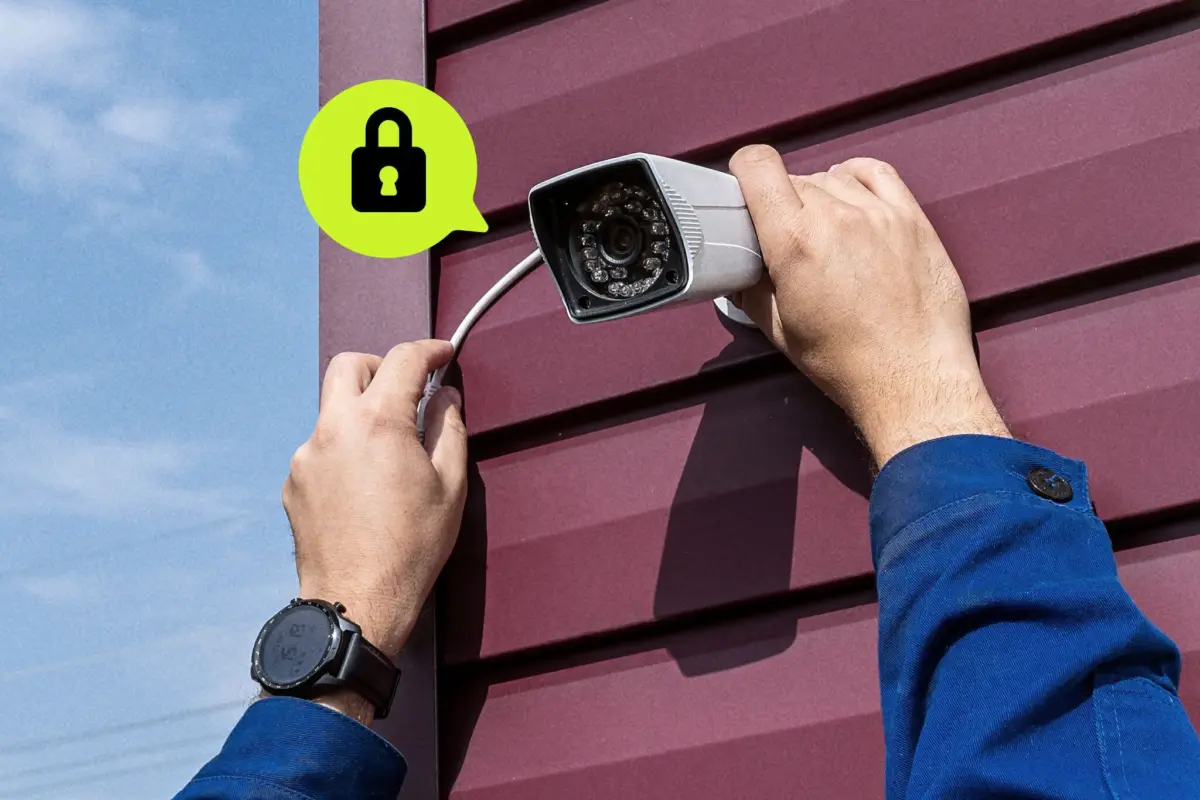
The physical placement and orientation of a home security camera play a critical role in determining the quality of the footage captured and the frequency of false alerts. Installers must carefully consider the immediate environment surrounding the camera’s field of view. Positioning a camera so that it points directly at heavily trafficked public streets or trees that sway vigorously in the wind guarantees a constant stream of unimportant motion alerts. Furthermore, environmental lighting factors, such as harsh streetlights or glaring headlights, can severely impact video quality. While bright lights can trigger false motion events, they can also wash out crucial details when the camera switches to infrared night vision, rendering faces or license plates entirely unrecognizable.
When mounting outdoor security cameras, safety experts recommend positioning them roughly 8 to 10 feet off the ground. This height serves a dual purpose: it keeps the hardware safely out of reach of potential intruders who might attempt to swipe or disable the device, while remaining low enough to capture clear, identifiable footage of visitors’ faces. Video doorbells, which serve a slightly different purpose focused primarily on entryways and deliveries, require a different approach. These devices are ideally installed at approximately 4 feet high and slightly angled to provide a comprehensive, head-to-toe perspective of anyone standing at the door, as well as any packages left on the porch.
2. Turn on and tweak object detection
Modern home security hardware increasingly relies on artificial intelligence to filter out unnecessary alerts through advanced object detection features. These software algorithms are designed to analyze visual data in real time, deciphering whether a moving object in the frame is a person, an animal, a vehicle, or a delivered package. Enabling this feature transforms generic motion alerts into specific, actionable notifications, such as a distinct warning that a person or a package has been detected.
While some security camera manufacturers include basic object detection features for free, others require a paid monthly subscription to access advanced AI categorization. Users who utilize these tools can configure their notification preferences to ignore general background movement and restrict alerts exclusively to high-priority events, such as the arrival of a visitor or the drop-off of a parcel. Fine-tuning these settings ensures that homeowners receive meaningful updates rather than constant interruptions throughout the day.

3. Turn up (or turn down) your camera’s motion sensitivity
Adjusting a security camera’s motion sensitivity settings requires a careful process of trial and error to match the device’s responsiveness to the specific layout of a property. Using the companion mobile application, homeowners can calibrate how reactive the camera’s sensors are to various types of movement, whether generated by a human, a vehicle, or ambient environmental shifts like moving shadows.
If the motion sensitivity is set too high, the camera will bombard the user with notifications every time a small insect or a moth flies past the lens. Conversely, setting the sensitivity too low risks making the device dangerously selective, potentially causing it to miss critical events, such as an individual quietly walking up to the porch to take a package. Finding the optimal threshold ensures reliable detection without unnecessary false alarms.
4. Focus your camera’s attention with activity zones
One of the most effective methods for eliminating nuisance alerts involves utilizing activity zones, which are often referred to in manufacturer settings as motion zones. These software tools allow users to designate specific geographic areas within the camera’s broader field of view to monitor closely while ignoring everything else in the background.
Configuring an activity zone is typically done directly within the device’s mobile app by drawing or dragging the corners of an on-screen box to outline a targeted area, such as a front walkway or driveway, and assigning it a specific name. Homeowners can establish multiple zones to customize their coverage precisely. For example, a user can configure a doorbell camera to monitor the exact path leading to the front door while completely ignoring an adjacent zone containing a busy bird feeder or a rustling bush, thereby eliminating the constant stream of false triggers caused by local wildlife and passing traffic.
5. Go gapless with continuous recording
When configuring video storage and recording preferences, security camera owners frequently must choose between event-triggered recording and continuous 24/7 recording. While recording only when triggered by motion may seem like the most efficient storage method, it often creates significant drawbacks, including noticeable temporal gaps between clips that can cause the camera to miss critical moments of an incident.
To ensure absolute coverage and guarantee that not a single minute of activity goes unrecorded, experts recommend opting for continuous 24/7 recording whenever possible. Depending on the specific hardware model, uninterrupted recording may necessitate a paid monthly cloud subscription, though many modern systems allow users to store continuous footage locally using a microSD card housed directly within the camera or its dedicated home hub.